
Packaging
Custom Box Printing Guide: Dielines, Bleed, CMYK vs Pantone and Finishes

By Alice Wu, CEO & Founder Published
Short answer
Print-ready box artwork starts with the printer's dieline, adds bleed (commonly 3 mm), keeps text inside the safe zone, uses vector files with outlined fonts and 300 dpi images, and specifies CMYK or Pantone colors. Always approve a printed sample before mass production.
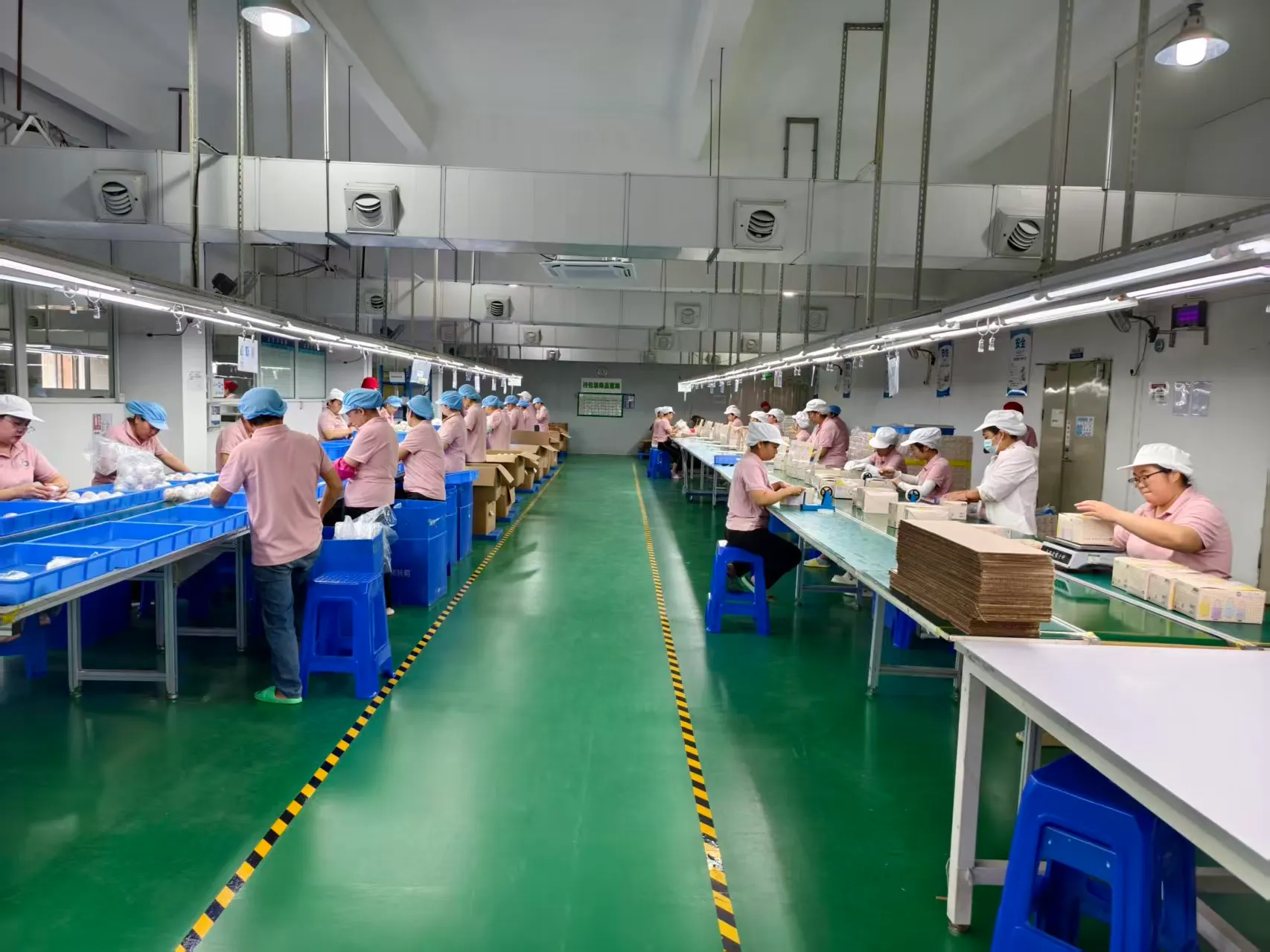
Getting custom box artwork right comes down to a few technical steps: design on the printer’s dieline, extend the artwork past the cut line with bleed (commonly 3 mm), keep important text inside the safe zone, supply vector files with fonts converted to outlines and raster images at 300 dpi, and state clearly whether each color is CMYK or a Pantone spot color. Then approve a physical sample before mass production. Most printing problems on boxes come from skipping one of these steps, not from the press itself.
This guide walks through each step in plain terms, with a checklist at the end you can send to your designer.
What Is a Dieline?
A dieline is the flat, unfolded outline of your box, drawn to exact size. It shows:
- Cut lines (usually solid), where the cutting die will cut the board
- Fold or crease lines (usually dashed), where the board will bend
- Glue areas, where panels are glued together
- Sometimes bleed and safe zone guides
The dieline is specific to the box style, the internal dimensions and the board thickness. A dieline for a tuck-end box made from paperboard will not fit a corrugated mailer of the same internal size, because thicker material changes the panel dimensions. Always ask your printer for the dieline that matches the exact structure and material you are ordering, and do not resize a dieline yourself.
Put the dieline on its own layer in your file, set it as a spot color named something like “Dieline”, and set it to not print (or overprint), so it guides the cutting but never appears on the box.
Bleed: Why Artwork Must Go Past the Edge
Cutting is very accurate, but not perfect. If your background color stops exactly at the cut line, any small shift leaves a thin white edge. Bleed solves this by extending background colors and images beyond the cut line, commonly by 3 mm. Some printers ask for more on certain structures, so confirm with yours.
Bleed applies on every outer edge of the dieline, including edges of tuck flaps and dust flaps if they are printed.
Safe Zone: Keep Text Away From Folds and Cuts
The safe zone is an area inside the cut and fold lines where important content is protected. Text, logos, barcodes and regulatory marks should sit inside it. A common margin is about 3 mm inside the cut and fold lines, but follow your printer’s guide. On corrugated boxes, allow extra space near folds because the thicker board rolls over the crease.
Barcodes deserve special care. Keep them flat on a single panel, never wrapped across a fold, with clear quiet zones around them so they scan.
CMYK vs Pantone (PMS) Spot Colors
CMYK builds colors from four process inks: cyan, magenta, yellow and black. It is the standard for photos and full-color artwork and is usually the most economical choice.
Pantone (PMS) spot colors are premixed inks matched to a numbered Pantone reference. They give more consistent results for brand colors, especially solid areas, and can reach some colors CMYK cannot, such as certain bright oranges, greens and blues. Each spot color usually adds an extra ink station on the press.
Many boxes use both: CMYK for images, plus one or two Pantone colors for the logo or a large solid background.
Why the screen never matches the box
Your monitor shows color with light (RGB). A printed box shows color with ink on board. Those are different color systems, and some screen colors simply cannot be printed. On top of that, the same ink looks different on white coated board, uncoated board and brown kraft. Lamination also shifts color: matte lamination tends to soften colors, gloss tends to make them look richer.
That is why color decisions should be made against a physical Pantone guide or a printed sample, not a screen.
File Requirements
- Vector files: supply Adobe Illustrator (AI) or print-ready PDF files. Vector artwork scales without losing sharpness.
- Outlined fonts: convert all text to outlines (curves) so missing fonts cannot change your layout. Keep an editable copy for yourself.
- Raster images at 300 dpi: photos and textures should be at least 300 dpi at the final printed size. Enlarging a low-resolution image does not add detail.
- Color mode: set the document to CMYK and name any spot colors with their exact Pantone references.
- Fine lines and small text: very thin lines and tiny text can break up, especially on corrugated board or in reversed-out (white on color) type. Ask your printer for their minimums.
Finishes and What They Do
| Finish | What it is | Good for |
|---|---|---|
| Matte lamination | Thin film with a soft, non-reflective surface | Modern, understated look; reduces glare |
| Gloss lamination | Thin film with a shiny surface | Bright colors, photos, scuff resistance |
| Spot UV | Glossy coating applied to selected areas only | Making a logo or pattern stand out on matte |
| Foil stamping | Metallic or colored foil pressed onto the surface with heat | Logos, borders, premium accents |
| Embossing | Design raised from the surface | Tactile logos and patterns |
| Debossing | Design pressed into the surface | Subtle, tactile branding |
Each finish usually needs its own artwork layer or separate file, drawn as a solid 100% spot color in exact position over the main artwork. Name the layers clearly (“Spot UV”, “Foil Gold”, “Emboss”) so nothing gets mixed up.
Proofs and Printed Samples
A digital proof (usually a PDF) lets you check layout, text, barcodes and positioning against the dieline. It does not show true color or finish.
A printed sample shows the real board, real inks, real finishes and the real fold. This is where you check color, legibility, how the box closes and whether the product fits. Once you approve the sample, it becomes the reference for mass production. Read it carefully: once production starts, changes are slow and costly.
Print-Ready Checklist
| Check | Done? |
|---|---|
| Using the printer’s dieline for the exact structure, size and material | |
| Dieline on its own layer, set to non-printing | |
| Bleed added on all outer edges (commonly 3 mm) | |
| Text, logos and barcodes inside the safe zone | |
| Barcode flat on one panel with clear quiet zones | |
| Document in CMYK; spot colors named with exact Pantone numbers | |
| Raster images at 300 dpi at final size | |
| All fonts converted to outlines | |
| Finishes on separate, clearly named layers | |
| Panels checked for correct orientation (tops face the right way when folded) | |
| Spelling, regulatory text and contact details proofread | |
| Printed sample requested and approved before mass production |
Frequently Asked Questions
Can I design my box in Canva or Photoshop?
You can create artwork in those tools, but the final file usually needs to be built on the printer’s dieline in a vector program, with correct bleed, color mode and finish layers. Many brands design concepts in one tool and have a designer prepare the print file.
Do I need Pantone colors for my logo?
Not always. If your brand color sits comfortably within CMYK and consistency between orders is not critical, CMYK may be fine. If the color is a key part of your brand, or it falls outside the CMYK range, a Pantone spot color is more reliable.
Why does my printed box look darker than my design?
Common causes are dot gain on absorbent board, uncoated or kraft stock, matte lamination softening colors, and screens displaying brighter than print. A printed sample shows this before production.
What is the minimum order for custom printed boxes?
It varies by printer and structure. At our factory the minimum is 500 pieces per design.
Working With Our Factory
We print and produce custom boxes in our own factory in Longhua, Shenzhen, with a minimum of 500 pieces per design and a sample for your approval before mass production. We can supply dielines for the structures we make and check your files before printing. See our custom packaging service for details.